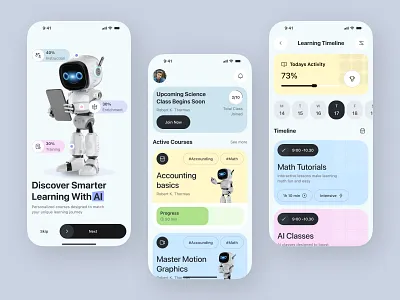
Introduction
AI-powered learning apps are everywhere — from math tutors to reading assistants and coding games. But with so many options, parents often ask:
Which AI learning apps are actually safe, useful, and age-appropriate for kids?
This guide helps parents understand what to look for, what to avoid, and how to choose AI tools that truly support learning — not replace it.
What Makes an AI Learning App “Good” for Kids?
A quality AI learning app should:
✔ Adapt to the child’s skill level
✔ Encourage thinking, not copying
✔ Avoid collecting personal data
✔ Be transparent about AI use
✔ Support school learning goals
If an app promises “instant answers” without explanation, it’s a red flag 🚩.
Best Types of AI Learning Apps by Age Group
Ages 6–8: Early Learners
Best for:
- Reading practice
- Basic math
- Vocabulary building
What to look for:
- Visual explanations
- Short activities
- Parent dashboards
⛔ Avoid apps with chat-style free input at this age.
Ages 9–12: Skill Builders
Best for:
- Math problem solving
- Writing assistance
- Science explanations
What to look for:
- Step-by-step answers
- Progress tracking
- Limited free-text AI chat
💡 Kids should explain answers back to parents.
Ages 13–16: Independent Learners
Best for:
- Study planning
- Essay structure help
- Coding basics
- Research summaries
What to look for:
- Academic integrity guidance
- Source citations
- Customizable limits
AI should help teens think better, not work less.
Common Mistakes Parents Make With AI Apps
❌ Letting kids use AI unsupervised
❌ Treating AI as a tutor replacement
❌ Allowing late-night screen time
❌ Ignoring privacy policies
AI tools work best when parents stay involved — especially at first.
How to Introduce AI Learning Apps Safely
Start with these rules:
✔ Use apps in shared spaces
✔ Set daily time limits
✔ Review what the child learned
✔ Disable chat features when possible
This builds trust and healthy habits.
How This Fits Into AI Safety at Home
These apps work best when combined with clear rules and education. For deeper guidance, read:
👉 Is ChatGPT Safe for Kids? A Parent-Friendly Guide
👉 AI Screen Time for Kids: How Much Is Too Much?
👉 7 AI Rules Parents Should Set for Kids at Home
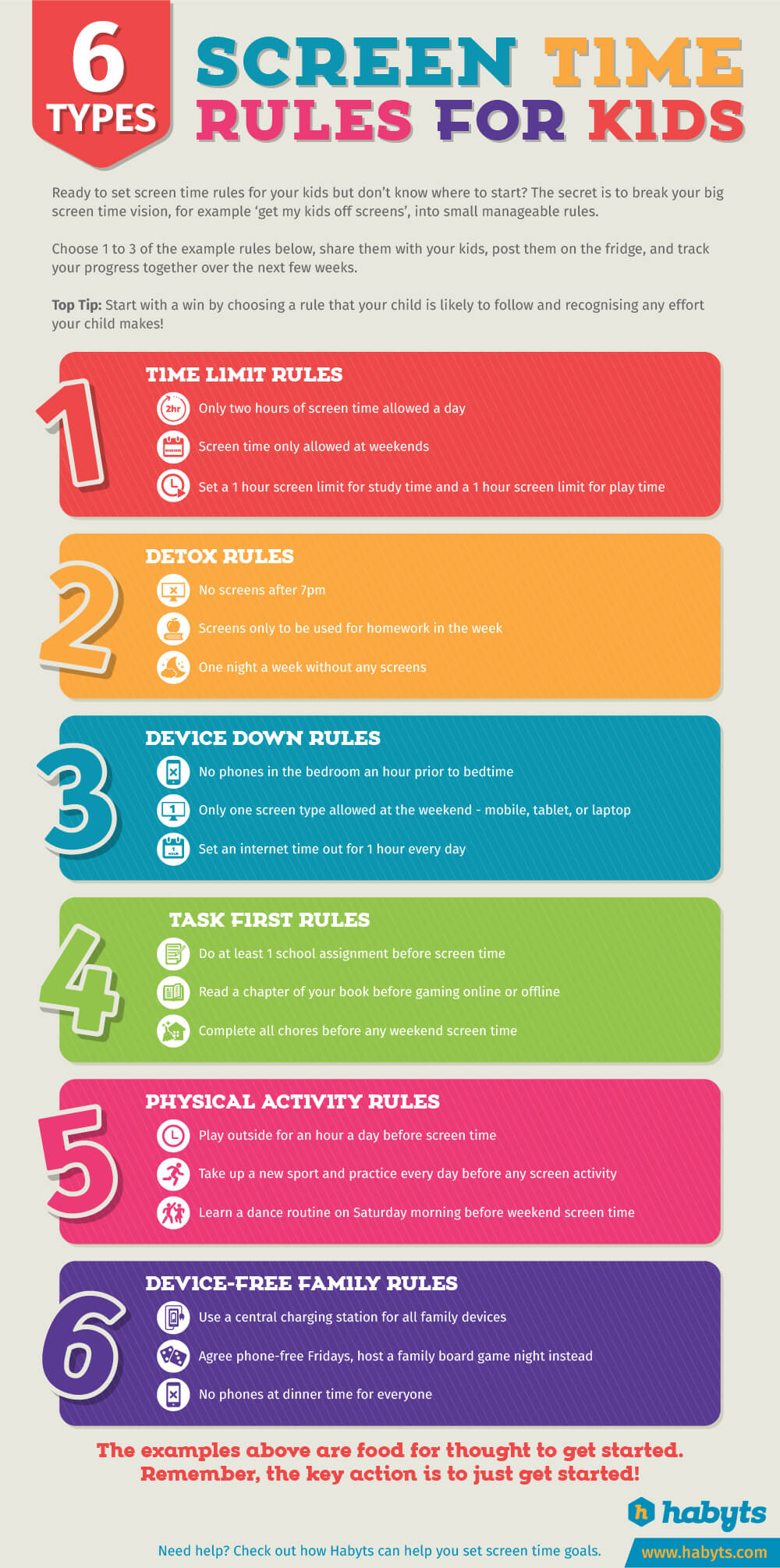
Together, these resources form a complete AI parenting framework.
What Parents Should Look for in AI Learning App Subscriptions
Many AI learning apps offer both free and paid plans. While free versions can be useful, some parents explore premium options for additional features and controls.
When evaluating paid AI learning apps, parents often look for:
- Clear educational goals rather than entertainment
- Progress tracking and learning reports
- Strong parental controls and usage limits
- Transparent data and privacy policies
- Age-appropriate content customization
Paid tools can be helpful, but they are not necessary for every child. In many cases, free tools combined with parental guidance are enough.
Parent reminder:
The best learning app is the one your child understands and enjoys using responsibly — not the most expensive one.
(Subscription-based learning apps will be reviewed and added here after hands-on testing.)
How Parents Can Evaluate AI Learning Apps Before Choosing One
With so many AI learning apps available, parents often wonder how to tell which ones are genuinely helpful and which are just engaging distractions.
Before choosing an AI learning app, parents may want to consider:
- Whether the app explains concepts clearly instead of giving direct answers
- If the difficulty level adjusts as the child improves
- How much parental oversight or reporting is available
- Whether the app supports school learning goals
- How transparent the app is about data usage and privacy
Some families start with free versions to understand how an app fits their child’s learning style, then explore paid features only if they add real educational value.
Helpful reminder:
An effective learning app supports understanding and confidence — not speed or shortcuts.
(Detailed reviews of selected AI learning apps will be added here after hands-on testing.)
Final Thoughts
AI learning apps are powerful — when used intentionally.
The goal isn’t to eliminate AI, but to help kids use it as:
- A guide
- A practice partner
- A learning booster
With the right apps and rules, AI can support education without replacing effort.