Introduction
Screens are everywhere — tablets, phones, laptops, smart TVs — and with AI-powered apps becoming part of education, many parents are asking an important question:
How much AI screen time is actually healthy for kids?
This guide breaks down age-appropriate screen time limits, explains how AI changes the equation, and helps parents set realistic boundaries without banning technology altogether.
Why AI Screen Time Is Different From Regular Screen Time
Not all screen time is equal.
Watching random videos is very different from:
- Solving math problems with AI guidance
- Practicing reading with adaptive tools
- Asking curiosity-driven questions
AI-based screen time can be productive — but only in moderation.
Recommended AI Screen Time by Age
Ages 6–8
Suggested limit:
⏱️ 20–30 minutes per session, 1–2 times a day
Best use cases:
- Reading practice
- Simple math games
- Guided educational activities
💡 Always supervised.
Ages 9–12
Suggested limit:
⏱️ 30–60 minutes per day
Best use cases:
- Homework support
- Concept explanations
- Educational games
💡 Encourage breaks and offline follow-up.
Ages 13–16
Suggested limit:
⏱️ 60–90 minutes per day (educational use)
Best use cases:
- Study planning
- Writing assistance
- Research summaries
💡 Focus on learning, not shortcutting.
Signs Your Child May Be Getting Too Much AI Screen Time
Watch for:
- Irritability when devices are removed
- Avoiding offline homework
- Reduced attention span
- Over-reliance on AI answers
If you notice these, it’s time to rebalance.
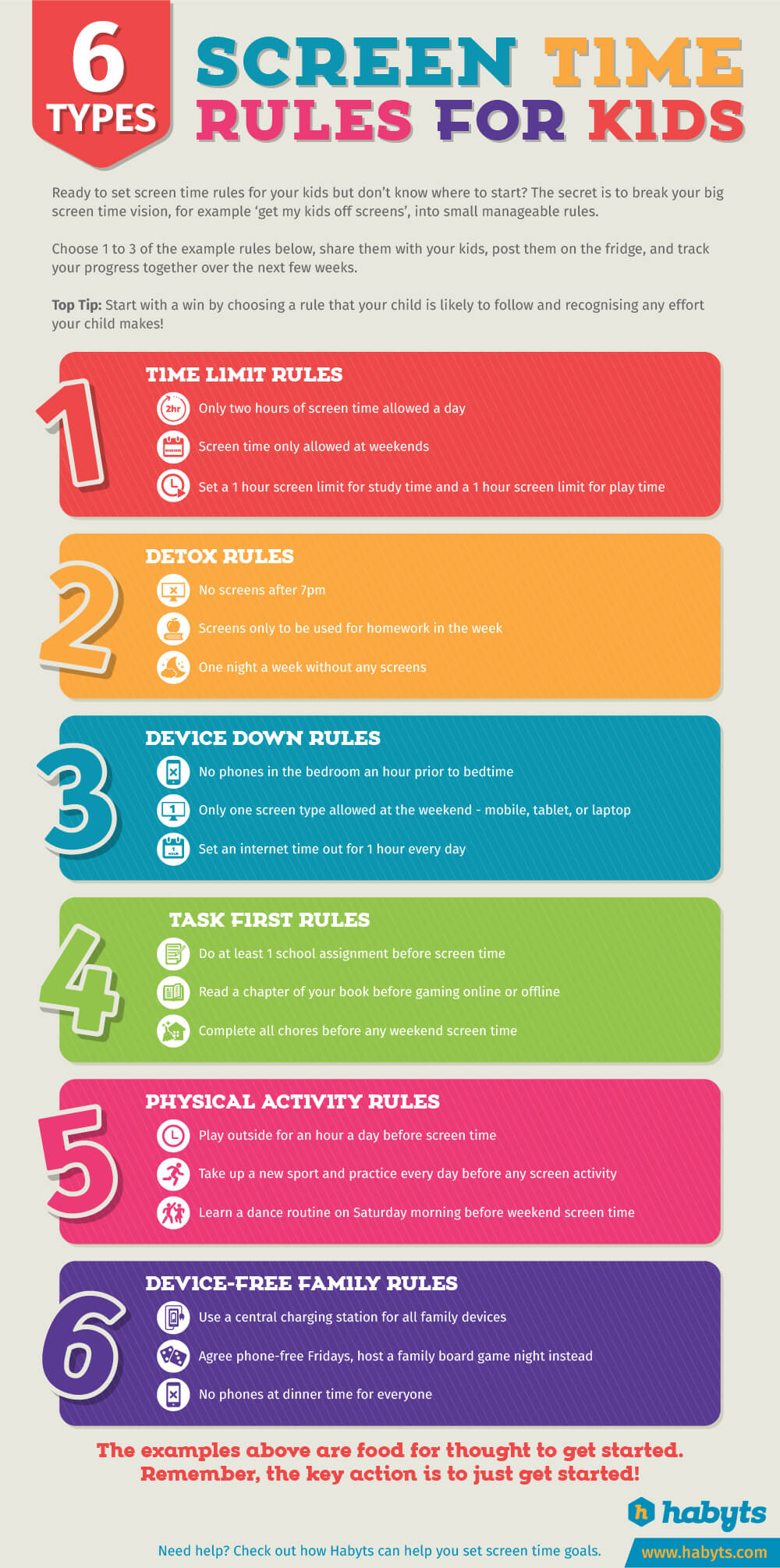
How Parents Can Set Healthy AI Screen Time Rules
Here are simple rules that work:
✔ AI use happens in shared spaces
✔ No AI before bedtime
✔ Kids explain what they learned
✔ Screens off during meals
These boundaries teach responsible tech habits, not fear.
Teaching Kids That AI Is a Tool — Not a Crutch
Explain clearly:
- AI helps explain ideas
- AI does not replace thinking
- AI can make mistakes
When kids understand this, screen time becomes learning time, not dependency.
How This Connects to AI Safety & Learning
For a deeper foundation, also read:
👉 Is ChatGPT Safe for Kids? A Parent-Friendly Guide
👉 7 AI Rules Parents Should Set for Kids at Home
👉 Best AI Learning Apps for Kids (Ages 6–16)
These articles work together to help parents stay informed and confident.
Tools That Can Help Parents Manage AI Screen Time
Some parents choose to use digital tools to help manage how long and how often children interact with AI-powered apps and devices.
These tools can assist with:
- Setting daily screen-time limits
- Scheduling device-free hours (such as bedtime or meals)
- Monitoring app usage across devices
- Creating age-appropriate boundaries for learning tools
Different families prefer different approaches. Some focus on time limits, while others prioritize usage visibility and routine building. The best option depends on your child’s age, independence level, and learning needs.
Important reminder:
Screen-time tools work best when paired with clear family rules and regular conversations about healthy technology habits.
(Recommended screen-time and parental-control tools will be added here after evaluation.)
Final Thoughts
AI screen time doesn’t have to be harmful — unchecked screen time is.
With clear limits, parent involvement, and intentional use, AI can support learning while keeping kids healthy and balanced.